 SpotThemes
Find a place's link
Open the place in the builder. Under the fields you see Direct link: …#place=ember-coffee. Add that end to the address of the page where the map is placed.
https://yoursite.com/map/#place=ember-coffee
The slug is made from the name when you first type it ("Ember Coffee" becomes ember-coffee). You can change it in the Link name (slug) field. Two places never share a slug: a second "Ember Coffee" gets ember-coffee-2.
Watch outWhile the slug still matches the name, renaming the place renames the slug too. If the old link is already printed or shared, type the old slug back into Link name (slug) after renaming. A slug you typed yourself never changes on its own.
The Share button
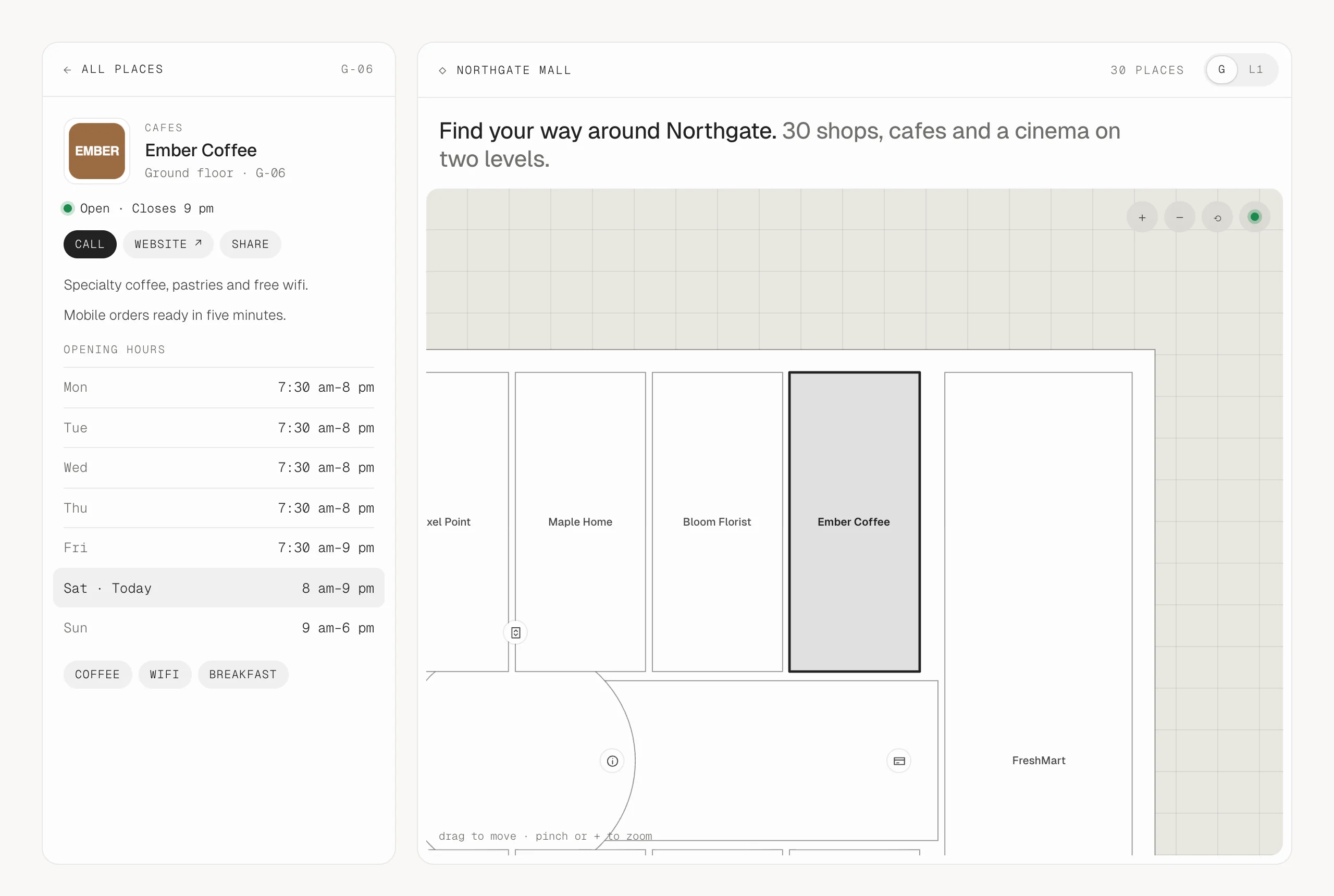
Each place card has a Share button. On phones and tablets it opens the device's own share sheet, so visitors can send the link by message or mail. On computers it copies the link and shows "Link copied". The link is the page address plus #place= and the slug.
What happens when someone opens the link
- The map opens on the place's floor, picks the place, highlights it and opens its card.
- Picking another place changes the address to that place's link without reloading the page. Going back to All places removes it.
- A link to a slug that does not exist opens the map as normal.
- Without JavaScript, each place in the plain list has the id
place-plus its slug, so#place-ember-coffeejumps to it in the list.
Where these links help
Put them on a shop's own page ("Find us on the map"), in event posts, in emails to visitors, or on QR codes beside a door. Add a ?yah= point to also show where the reader stands, as in /map/?yah=yab12cd34#place=ember-coffee. See Kiosks and QR signs.
Try it in the mall directory demo: pick a shop and watch the address bar.
Related docs
- Kiosks and QR signs with You are hereAdd a You are here point per kiosk, entrance or QR sign and link to it with ?yah=id, so each sign opens the map on its own spot.
- Add places, categories and opening hoursEvery field of a place in Venue Map, how categories and amenities work, and how to type hours with split shifts and times past midnight.
- Place the map: block, shortcode or ElementorShow a venue with the Venue map block, the Elementor widget or [spotthemes_venue_map id]. All shortcode options: theme, height, floor.
- TroubleshootingEvery error message Venue Map shows and what to do: SVG too large, shapes not clickable, floor plan not loading, theme CSS, caching.