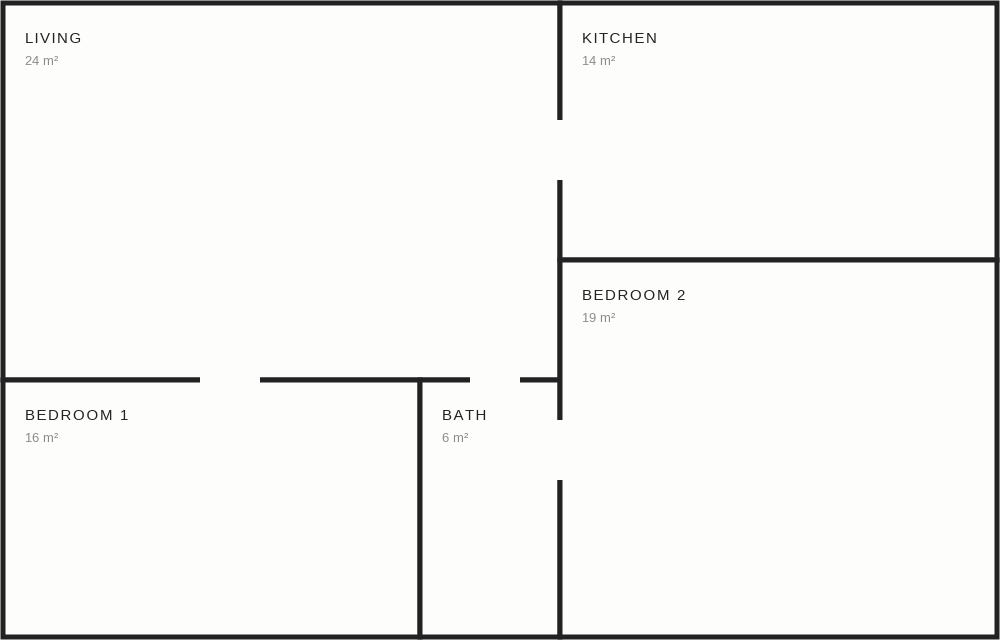
Clickable dots or shape areas on a floor plan, a diagram or a photo. Each one opens a card, and in Pro a list beside the image follows along.

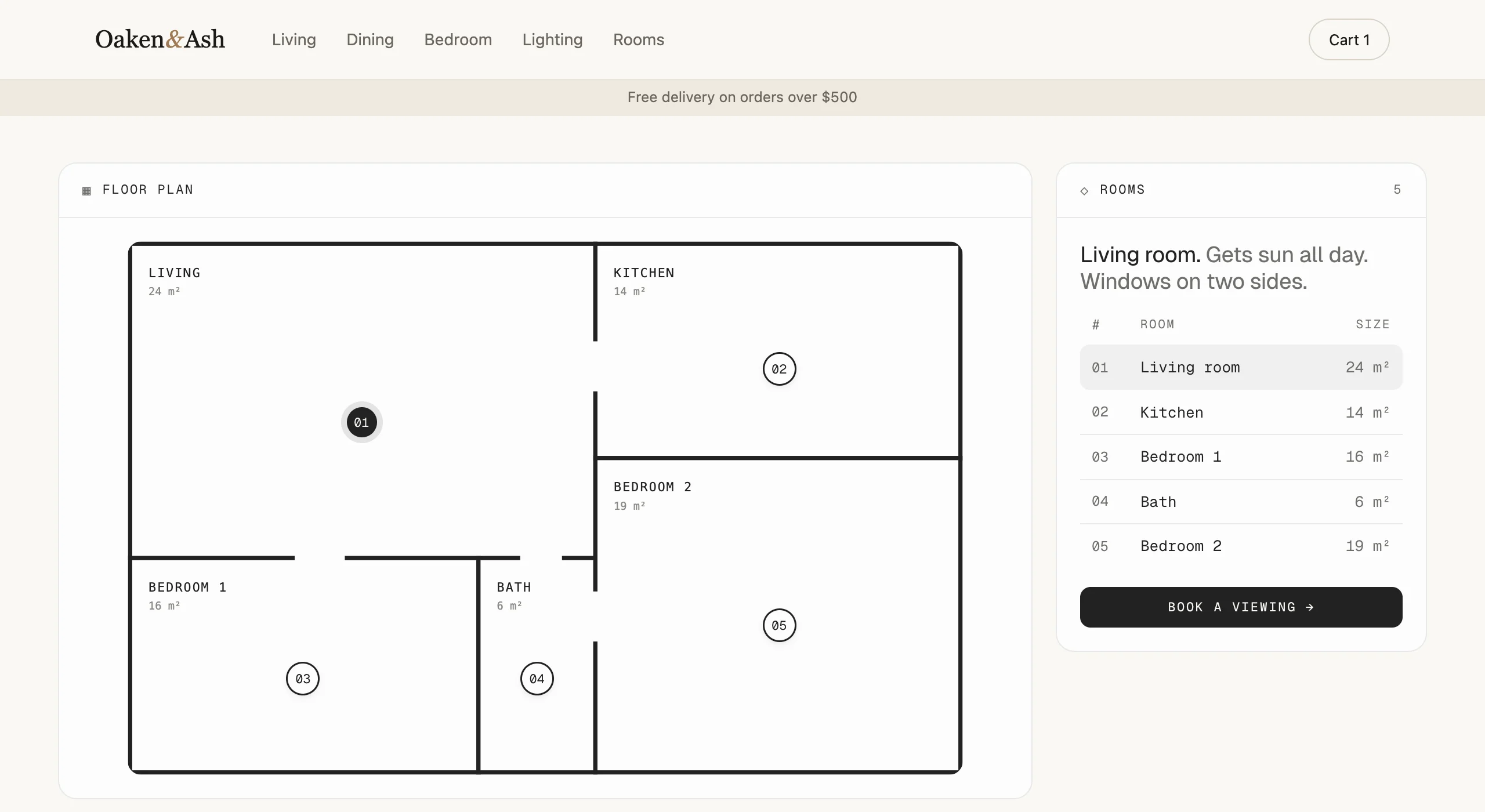
This is the real plugin running on this page, not a picture. A sample flat with five numbered rooms, in the Pro floor plan list layout.
An image with clickable spots that explain what is where.
An image map in WordPress is an image with clickable spots, such as rooms on a floor plan or parts on a product diagram, that each open a short card. With Image Hotspots, you click the image to add dots. Pro adds shape areas, floors, status filters, list layouts and zoom. The dots stay in place at every size. Pro costs from $49 a year.
Floor plans, product diagrams, team photos, maps of a site or a garden.
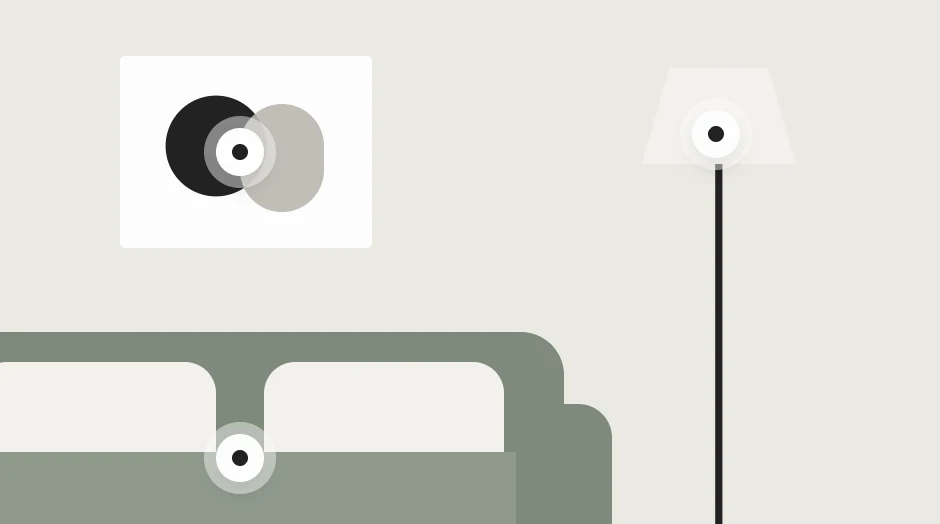
Placed in percent of the image, so they line up on every screen.
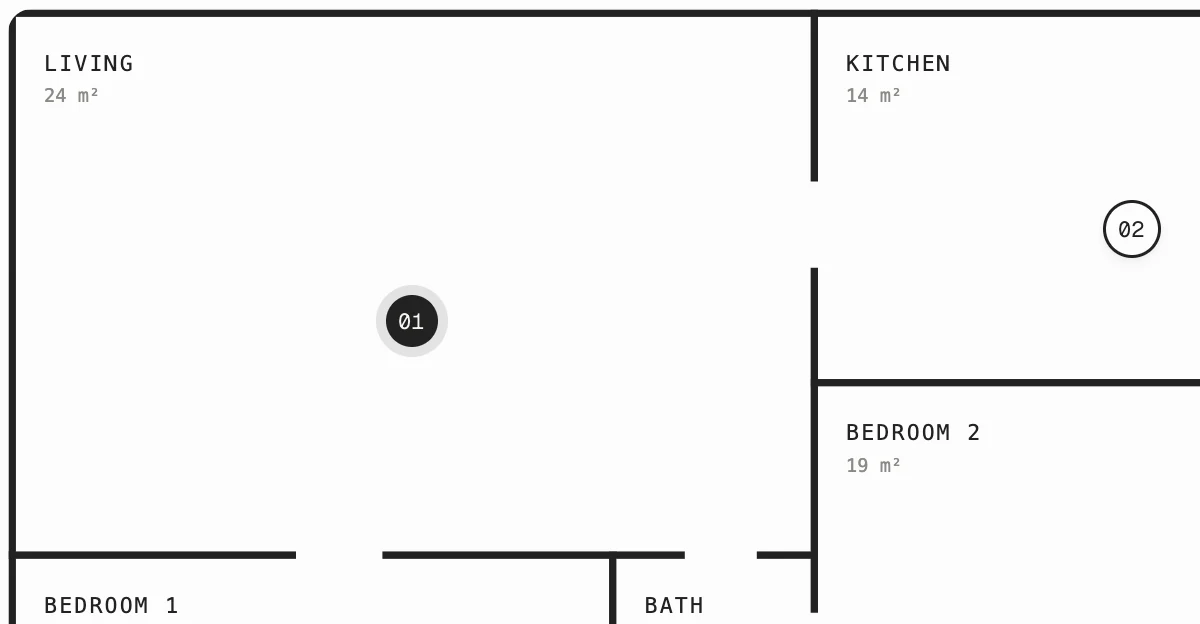
Numbered rooms or parts, linked to a list beside the image.
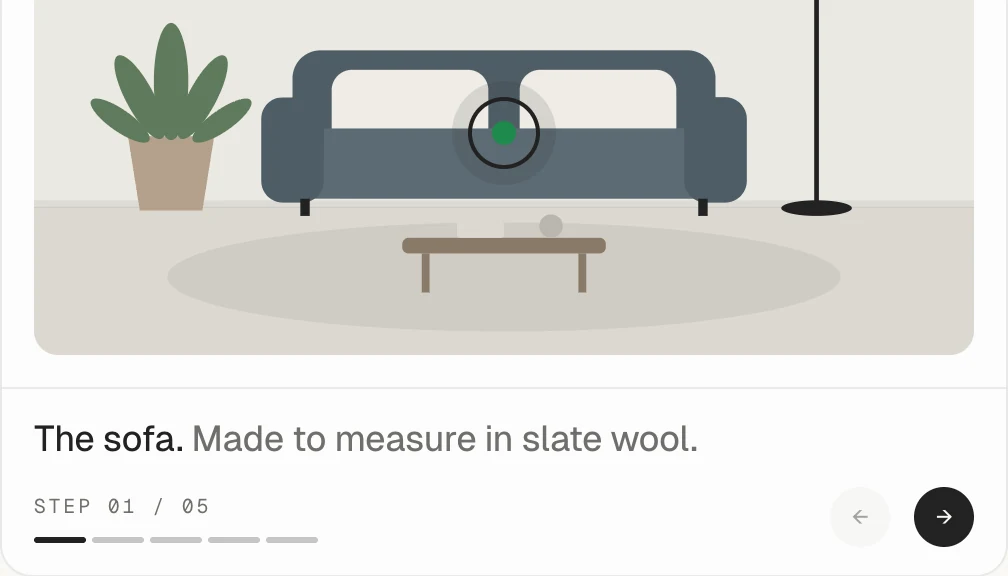
Walk visitors through a picture step by step.
Checked against the plugin itself on 29 Nov 2026. Prices in USD.
| What | Image Hotspots |
|---|---|
| Price | Free version, plus Pro at $49 a year for 1 site, $99 for 5 sites, $159 for unlimited sites. Billed yearly, cancel any time. |
| Free version | Dots on any image, simple text cards, light style. The free version is coming soon to WordPress.org. |
| Try before you buy | The free version, and the live demos on these pages. |
| If you stop paying | Hotspots already on your site keep showing, Pro parts included. Editing Pro features and getting new versions need an active plan. |
| Dots | Placed in percent of the image, so they stay on the right spot at every screen size. |
| Product cards (Pro) | Link a dot to a WooCommerce product: photo, live price and Add to cart. |
| Pro layouts | Floor plan and feature lists with labels, lookbook with Add all to cart, guided tour. |
| Areas (Pro) | Shape areas, floors, and a status with a filter, for example available, reserved or sold. |
| Extras (Pro) | Night style, zoom and pan, cards on hover, JSON import and export. |
| Keyboard | Tab to a dot, Enter opens it, Esc closes it. |
| Phones | The card opens under the image. |
| Without JavaScript | The dots show as a numbered list. |
| Works with | Block and shortcode. Pro also has an Elementor widget. WooCommerce only for product cards. |
| Requirements | WordPress 6.5 or newer, PHP 7.4 or newer. WooCommerce only for product cards. |
No code. Docs for Image Hotspots are coming.
Install the free plugin. For lists, areas and tours, add the Pro zip and paste your licence key.
Upload a picture, click where each dot goes and write its card. Drag a dot to move it.
Add the hotspots block or the shortcode to any page.
Need a multi-floor mall, campus or office directory? See Venue Map
Make your own image map.
If something breaks, email support@spotthemes.com. Plans start from $49 a year. See pricing.
An image with clickable spots. Each spot opens a small card with text, a picture or a link. Image Hotspots makes them with dots, and in Pro with drawn shape areas too.
Yes for dots with simple text cards in the light style. Pro adds shape areas, floors, status filters, list layouts, zoom, hover cards and the night style, from $49 a year.
Yes, in Pro. The floor plan and feature list layouts show numbered rows beside the image, and each row matches its dot, as in the demo.
Yes. Put numbered dots on a diagram or product photo. In Pro, the feature list layout links each dot to a labelled row beside the image.
Yes, in Pro. Draw shape areas, put them on floors, and give each one a status such as available, reserved or sold. Visitors can filter by status.
No. Dots are placed in percent of the image, so they stay on the right spot at every size. On phones the card opens under the image.
Yes. Tab to a dot, press Enter to open it and Esc to close it. Without JavaScript the dots show as a numbered list.
Yes. Paste the shortcode into Elementor's shortcode widget. Pro also adds its own Elementor widget.
Live demos, honest comparisons and guides. The product page has prices and features.
Dots on a room photo that open the product with Add to cart.
Live demoA dated, neutral comparison with Image Map Pro and Draw Attention.
Compare SpotThemes